A preview deployment is a full, working version of a site or app built from a branch or pull request and given its own URL. Instead of reading the code to imagine the change, reviewers, designers and clients can click a link and use it. When the pull request updates, the preview rebuilds.
Hosting platforms like Vercel and Netlify do this automatically when connected to a Git repository. Vercel calls them Preview Deployments, Netlify calls them Deploy Previews. A bot comment on the pull request shows the status, typically building, then ready with a link, or an error with a link to the logs. Other platforms and CI setups offer similar review environments.
“Preview is building” is the moment between pushing and having a link. The platform is installing dependencies, running the build and uploading the output. It is usually a minute or two. On a large project, or right after a lockfile change that invalidates the cache, it can be longer.
Previews have their own configuration. Environment variables can be set separately for preview and production, so a preview may point at a test database or have a feature turned off. If something works in production but not in the preview, check that first. Many teams also protect previews behind a login so unreleased work is not public.
When a preview fails, open the build log and read from the first error, not the last. Most failures are a missing environment variable, a type error the local dev server ignored, or a dependency that installs differently on a clean machine.
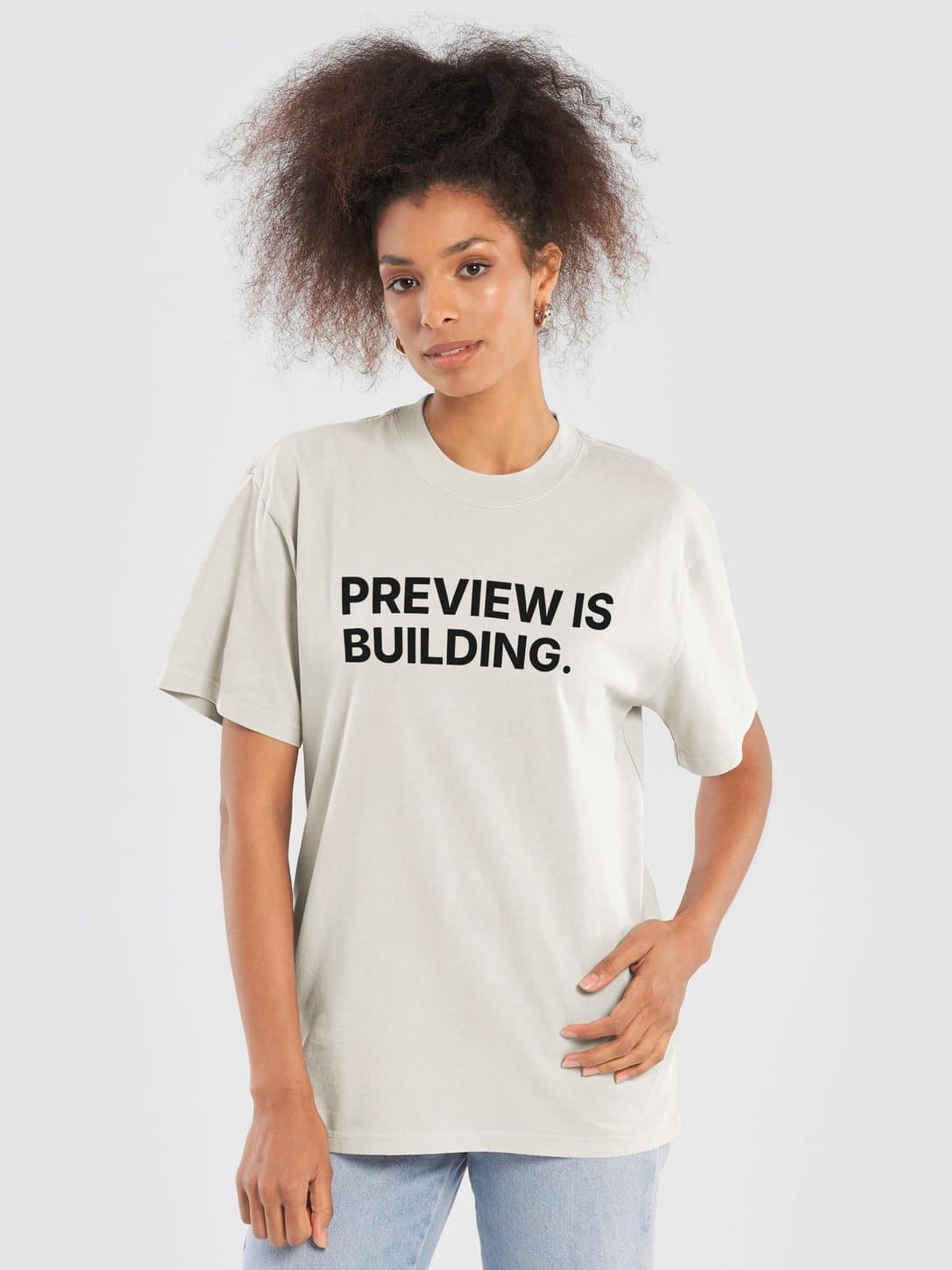
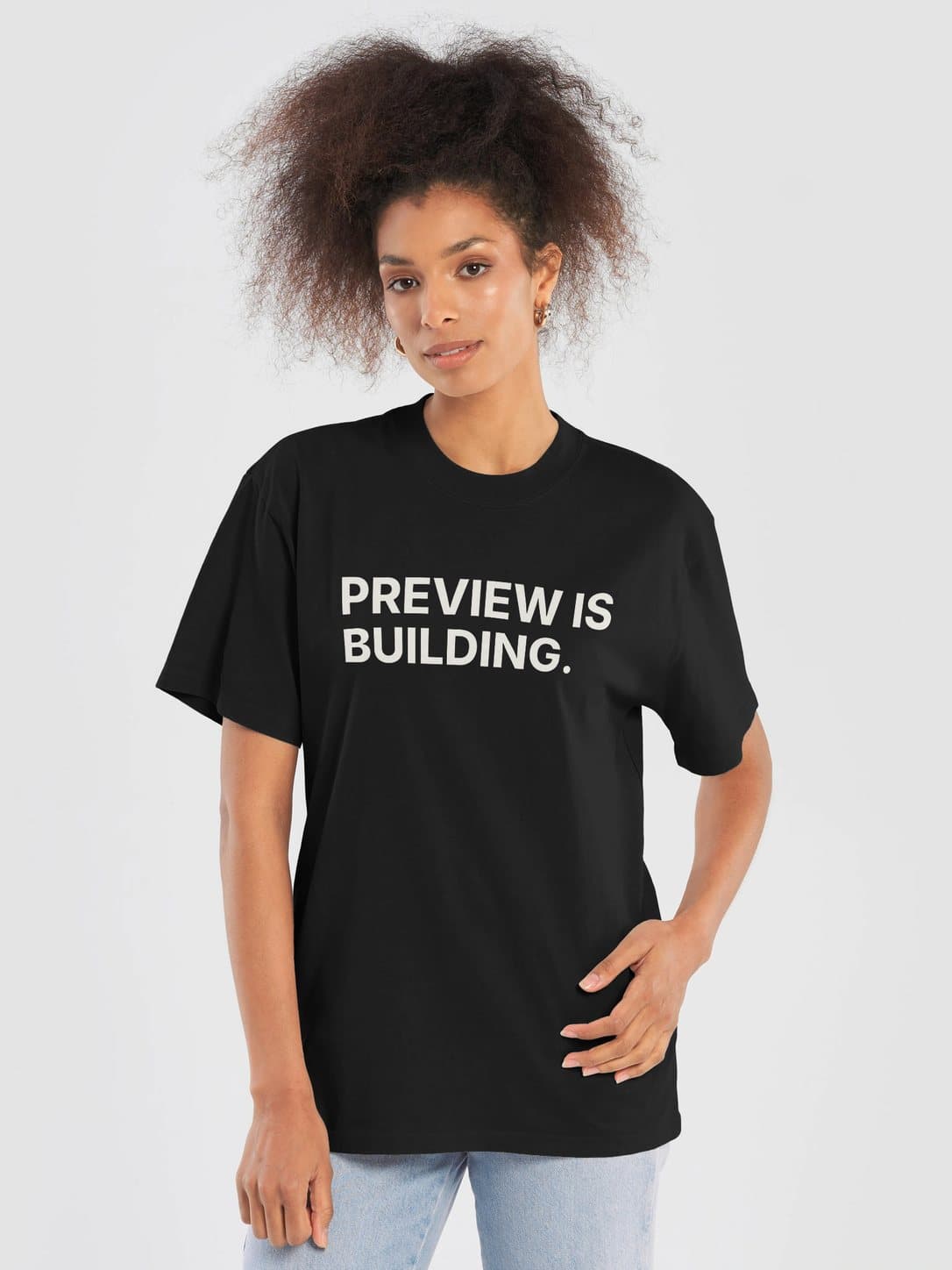
The shirt says “PREVIEW IS BUILDING.” across two rows. Everyone on the call has seen it.
In the wild
Preview is building. Link in about a minute, I’ll drop it in the thread when the bot posts it.